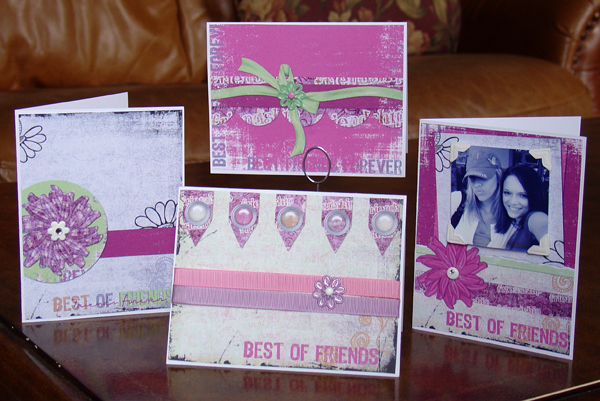
Extraction Technique - Video Tutorial
February 9, 2010 by Cindy Wyckoff
Filed under Vol 3 Issue 2
and made it look like this….
Please login or register to view this content.
FREE “Be Who You Are” Kit from ScrapProfessor.com
February 9, 2010 by Joli Kirk
Filed under Vol 3 Issue 2
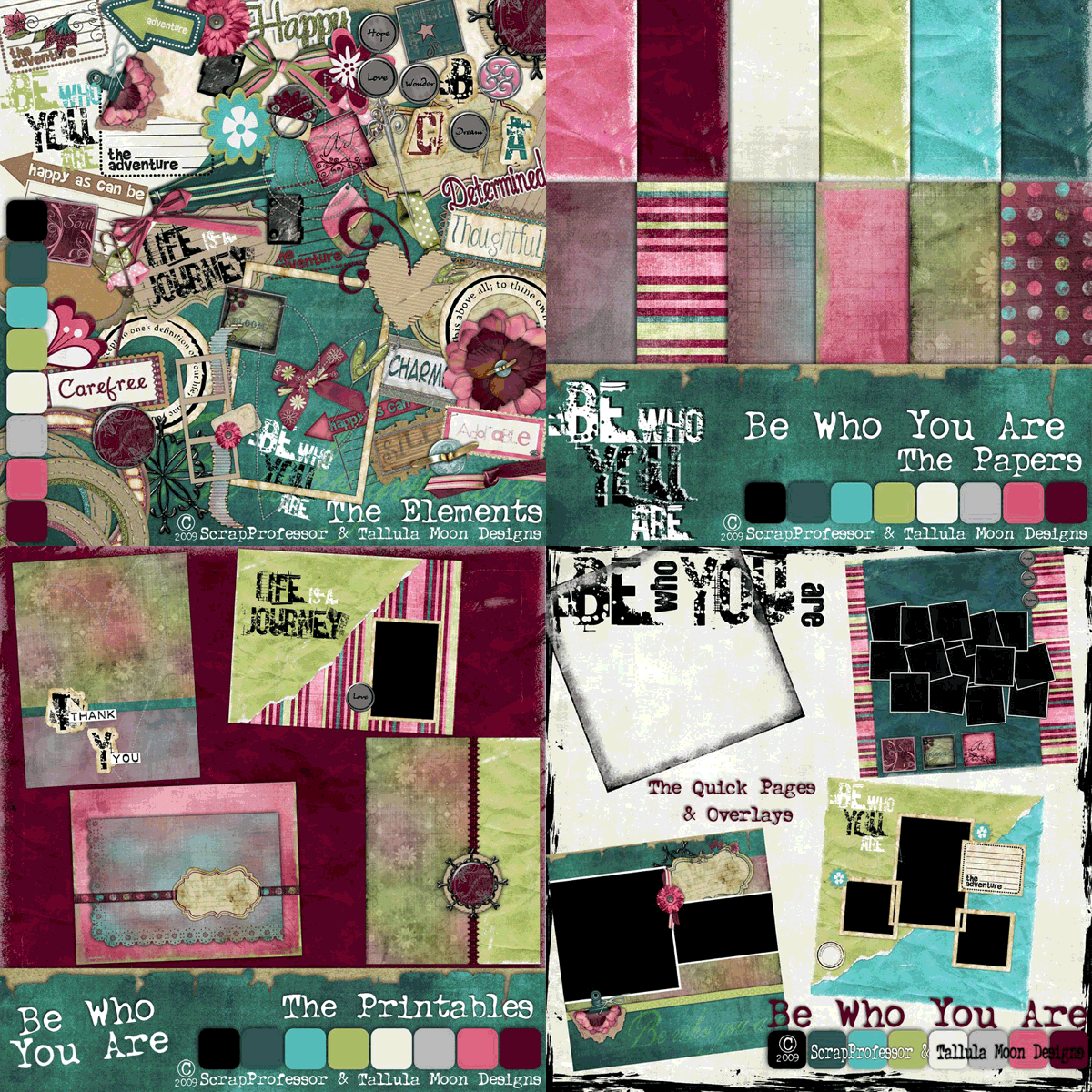
You will LOVE this beautiful kit that is FULL of gorgeous papers,
embellishments, quick pages, overlays and printable projects. See what else
ScrapProfessor has to offer at their website at www.ScrapProfessor.com.
Please login or register to view this content.
Grass Text Technique - Advanced Photoshop Tutorial
February 9, 2010 by Cindy Wyckoff
Filed under Vol 3 Issue 2
 Make a grass text effect like we did on our cover of Vol 3 Issue 2. This is demonstrated in Photoshop CS3, but you may be able to do similar steps in different graphic software programs.
Please login or register to view this content.
*More to be posted…
February 4, 2010 by Cindy Wyckoff
Filed under Vol 3 Issue 2
 Pardon our dust while we move our magazine issues over here to our new website.
You can currently access them at our old site by clicking HERE.
Thanks for your patience!
~ The Scrapbook Dimensions Magazine Team
How To Mask a Photo
November 29, 1999 by Gina Lideros
Filed under Articles, Layouts, Vol 3 Issue 2
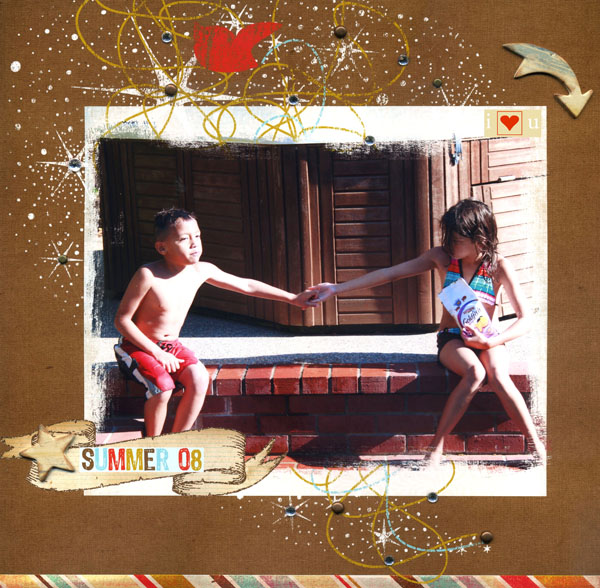 I wanted to add a softened, grungy feel to my photo of Matthew and Kalee sitting by the pool. To do this, I used a premade photo mask, which I clipped onto my photo. Because items attached by a mask take on that shape’s characteristics, my photo took on a grungy feel.
Terrific Travel Journal!
November 29, 1999 by Barbara Anne Williams
Filed under Albums, Articles, Downloads, Project Downloads, Vol 3 Issue 2
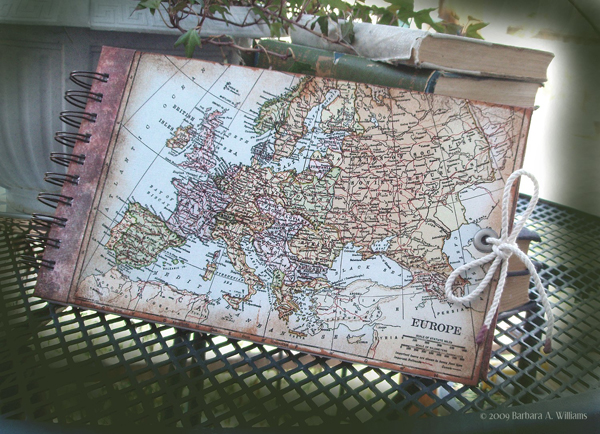
From family vacations to nearby landmarks, across country or abroad, it’s the season to travel. This is a handy little journal with its pages and pockets acts as a catch-all for your notes, maps, tickets, postcards and other little collectables and ephemera. Lined pages give you space for any notes you want to take in [...]
Texting with Paint Shop Pro
November 29, 1999 by Joli Kirk
Filed under Articles, Projects, Vol 3 Issue 2
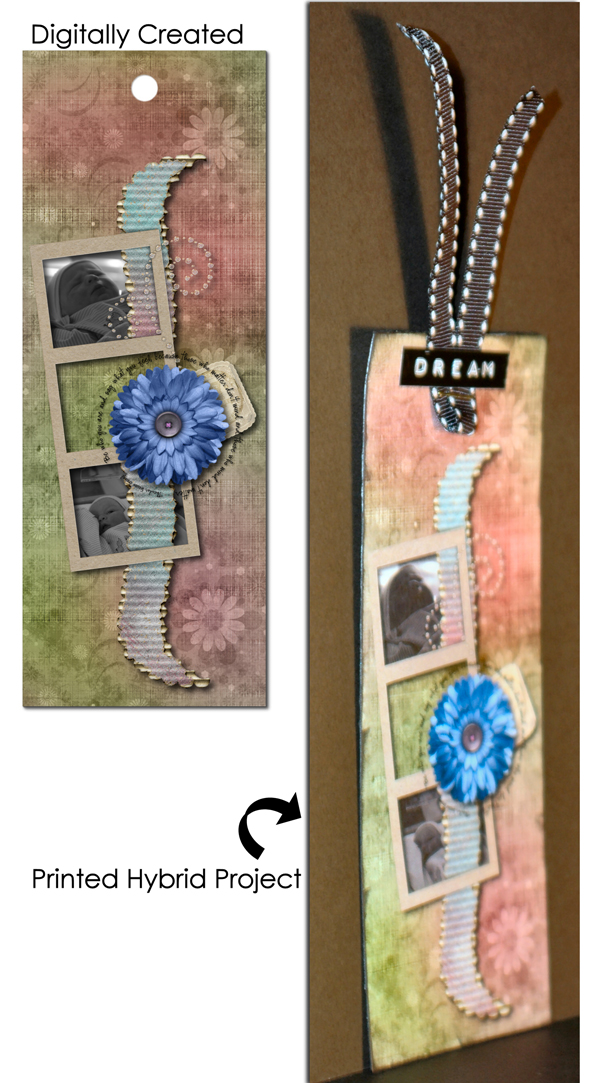
While this article won’t be about small hand-held gadgets that allow us to communicate with others, it will teach us how to send a message using text by creating a text element on our computer in Paint Shop Pro and using those text creations on specific projects.
A good friend introduced me to computers over thirteen [...]
PHOTOGRAPHY: Any Magazine Contributor Can Take Good Pictures
November 14, 1999 by Brianna Wyckoff
Filed under Photography, Vol 3 Issue 2
 A Crash Photography Course for Those Who Want To Get Published
I wouldn’t say it if I didn’t believe it; and I certainly wouldn’t write it. Anyone can take good pictures, and especially the people who are bright and talented enough to be writing for this magazine. Here are a few things to keep [...]
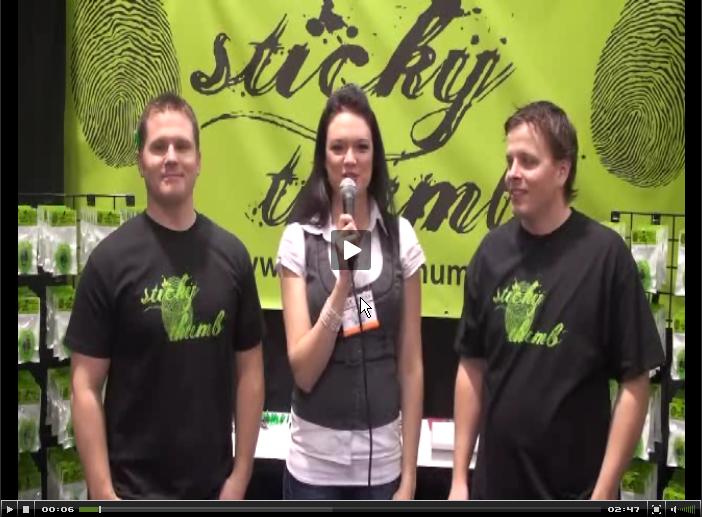 Sticky Thumb Glue