
Wallpaper Video Tutorial
January 11, 2010 by Cindy Wyckoff
Filed under Wallpaper, Wallpaper Tutorial
Learn how to customize it by adding your own photo and then putting it on your computer desktop. It’s easy. Tutorial demonstrates using Photoshop Elements. Click on the Wallpaper tab above to get to this month’s Desktop Computer Screen Wallpaper.
We have three videos for you. The first one shows you how to to add your own photo to your desktop wallpaper using Photoshop Elements. The second one shows you how using free Gimp software. And the third one shows using specifically Photoshop Elements 4.0.
 Video Using Photoshop Elements
 Video Using Gimp Software (free)
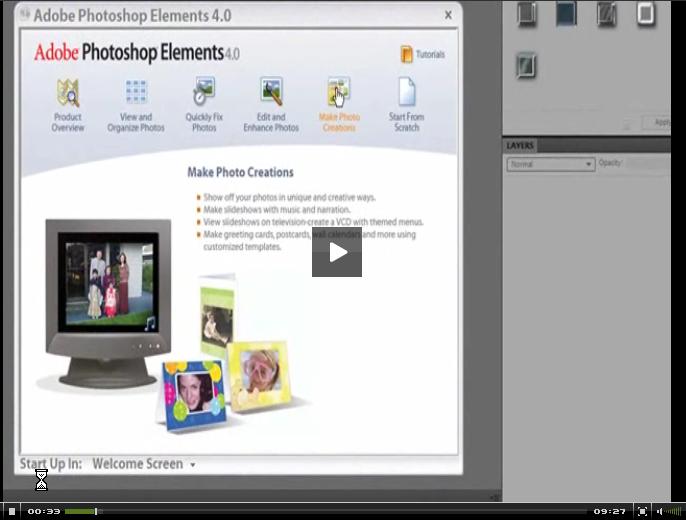 Video Specifically Using Photoshop Elements 4.0

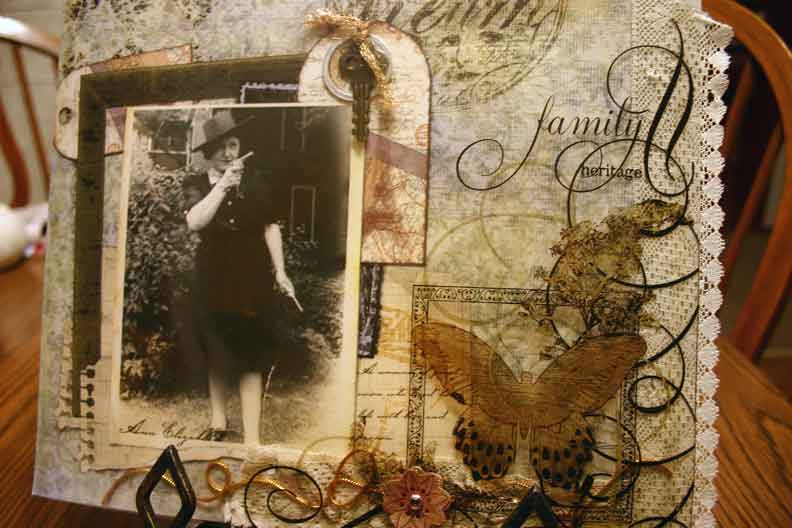 Photoshop: Let's Get Started - Quick and Easy Faded Photo Fix
Facebook comments: